
This document is the Extech CT40 user manual, which introduces the features and usage of the product.
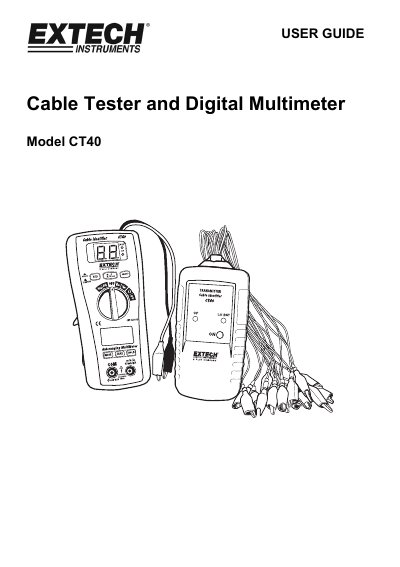
This manual provides instructions for the Extech CT40, a combined cable tester and digital multimeter. The device features a transmitter/receiver system for identifying individual cores in multi-core cables and a digital multimeter for measuring AC/DC voltage, current, resistance, continuity, and diode checks. It includes safety warnings and operational procedures for all functions.
| Max input voltage | 600V AC/DC |
|---|---|
| Continuity Check Audible threshold | between 15 Ω and 200 Ω |
| Display | 2000 count 3 -1/2 digit LCD |
| Auto Power Off | 15 minutes |
| Batteries | 9V battery and two AAA batteries |
| Operating Temperature | 0°C to 40°C |
| Weight | 308g |
The auto off feature will turn the meter off after 15 minutes.
The device requires a 9V battery for the cable test receiver and two AAA batteries for the digital multimeter.
The audible threshold is between 15 Ω and 200 Ω.