
The Extech BRD10 Wireless USB Video Receiver is an accessory for the Extech Borescope line of products that allows you to capture video wirelessly by inserting it into a PC's USB port. The wireless video can be previewed on the PC monitor and saved as a video file for future viewing using the supplied WindowsTM application software program. With proper care, this instrument will provide years of reliable service.
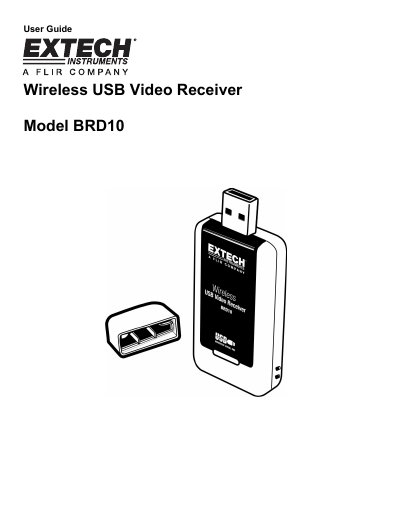
The Extech BRD10 is a wireless USB video receiver designed to capture video wirelessly from Extech Borescope products. It functions as a USB dongle that inserts into a PC port, allowing the user to preview and save video footage on a monitor using supplied Windows application software.
| Video Format | NTSC |
|---|---|
| Connector Type | USB 2.0 |
| Frame Rate | 30 frames per second (fps) |
| Compatible Operating Systems | Windows XP, VISTA, 7 |
| Receive Frequency | 2468MHz |
| Receiving Sensitivity | -85dBm |
| Effective Range | 10m (30 ft) unobstructed |
| Power Consumption | 355mA (max.) |
| Dimensions | 75 x 34 x 13 mm |
| Weight | 21g. (0.7 oz) |
The device uses a fixed receive channel of 4 at a frequency of 2468MHz.
The borescope's monitor must be detached from the camera.
It indicates that the driver has been accidentally installed twice, and you should uninstall and reinstall the program.