
Explains how to synchronize the color wheels of the SAm and Photon Generator
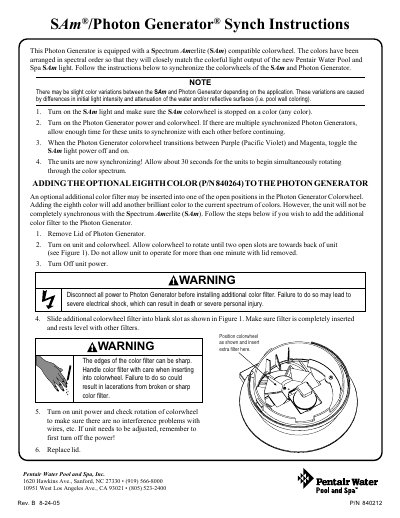
This document provides instructions for synchronizing the Photon Generator's colorwheel with the Spectrum Amerlite (SAm) compatible light. The goal is to ensure the colors match the colorful light output of the new Pentair Water Pool and Spa SAm light. Users are advised that slight color variations may occur due to differences in light intensity and water attenuation.
The guide also details the procedure for adding an optional eighth color filter (P/N 840264) to the Photon Generator. This addition allows for another brilliant color in the spectrum but results in the unit not being completely synchronous with the SAm light. The instructions include safety warnings regarding power disconnection before installing the filter.
The colors are arranged in spectral order so that they will closely match the colorful light output of the new Pentair Water Pool and Spa SAm light.
You must allow about 30 seconds for the units to begin simultaneously rotating through the color spectrum.
The unit must not be allowed to operate for more than one minute with the lid removed.