
This document is the owner’s manual of S210S, S244S PRO™ SERIES HIGH RATE SAND FILTERS, which introduces the installation, operation and maintenance methods.
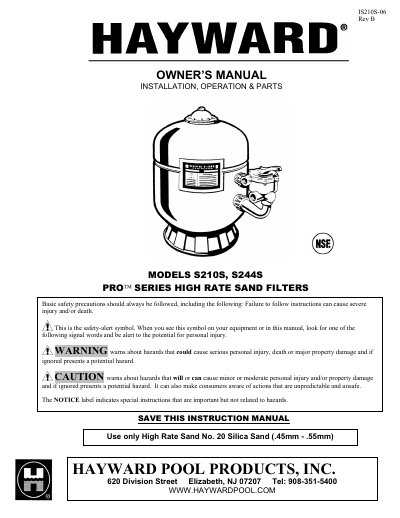
This owner's manual covers the Hayward S210S and S244S Pro Series High Rate Sand Filters, detailing installation procedures, operational instructions, and parts lists. It emphasizes the importance of using only High Rate Sand No. 20 Silica Sand and genuine Hayward replacement parts to ensure proper function and safety.
| Recommended Sand Type | High Rate Sand No. 20 Silica Sand (.45mm - .55mm) |
|---|---|
| Maximum System Pressure | 40 PSI |
| Maximum Installation Height | 6 feet above pool water level |
| Recommended Sand Depth | 6 inches from the top of the filter tank |
You must use High Rate Sand No. 20 Silica Sand with a grain size of .45mm - .55mm.
The system must never be operated or tested at more than 40 PSI.
The filter system should be installed no more than 6 feet above the pool water level.