
This document explains how to correctly install and use the camera device connected to a computer, and provides instructions for installing and using the accompanying software.
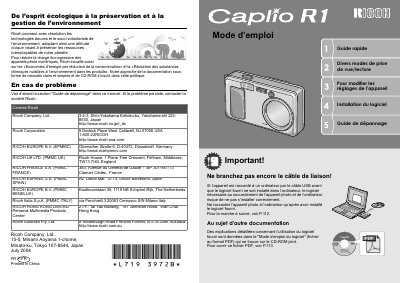
This manual provides instructions for the Ricoh Caplio R1 digital camera, a compact device featuring a 4.8x zoom lens (28-135mm equivalent) and a hybrid autofocus system. It details the setup process, including battery installation and SD card usage, as well as basic operation such as taking still images and recording video at 30 frames per second. This manual is written in French.
| Zoom | 4.8x |
|---|---|
| Focale équivalente | 28 - 135 mm |
| Vitesse d'obturation | 0,1 seconde |
| Distance macro | 1 cm |
| Vidéo | 30 images/seconde |
| Résolution vidéo | 320 x 240 pixels |
No, you must install the software first to avoid installation errors.
Yes, it supports SD memory cards.