
This document describes the method of connecting the camera and the computer and the steps to install the camera software. It also provides information on how to use the instruction manual and safety precautions.
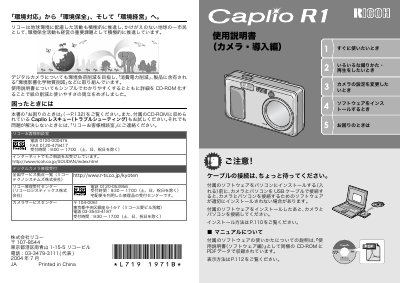
This document is the user manual for the Ricoh Caplio R1 digital camera. It covers essential operations such as turning the camera on and off, taking still images and video, using the flash, and navigating the menu system. The guide also explains how to transfer images to a computer and print them directly. This manual is written in Japanese.
| Lens | 4.8x high-magnification wide zoom lens |
|---|---|
| Focal Length | 28-135mm (35mm equivalent) |
| Macro Focus | 1cm |
| Video Resolution | 320 x 240 pixels |
| Video Frame Rate | 30 fps |
Yes, the camera supports macro shooting down to 1cm.
The camera features a 4.8x high-magnification wide-angle zoom lens with an optical focal length equivalent to 28-135mm.
The flash supports a distance of 13cm when using the telephoto setting and 20cm when using the wide-angle setting.