
Ricoh Caplio R1 Digital Camera User Manual

This document describes the methods of using the product for shooting and playback, as well as precautions and software installation steps.
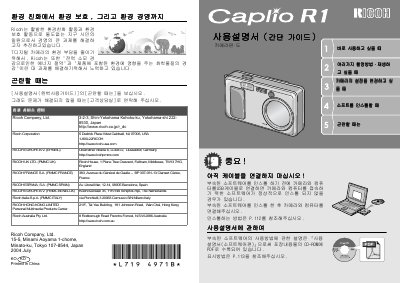

Ricoh Caplio R1 Digital Camera User Manual - cover page
Brand
Ricoh
Category
Digital cameras
Document type
User Manual
Language
Japanese
Pages
156
File format
PDF
File size
16.7 MB
Published
09 July, 2012
Updated
29 September, 2023
MD5 checksum
7EEFDCA1196359A3C16084F20935D826

About this manual

This document is the user manual for the Ricoh Caplio R1 digital camera. It provides instructions on how to operate the device, including camera settings, menu navigation, and image playback.

The manual includes specific sections for using the camera with a computer via USB, utilizing the CaplioViewer software, and adjusting various shooting parameters. It also lists support contact information for various regions including Europe, the USA, and Asia. This manual is written in Japanese.

What's inside

  • Introduction
  • Camera Setup
  • Shooting
  • Playback
  • Computer Connection
  • CaplioViewer
  • Troubleshooting
  • Specifications
  • Safety Precautions
  • Contact Information

Frequently asked questions

What is the minimum distance for focusing with this camera?

The camera can focus at a minimum distance of 28 mm.

How far away can the camera focus from its maximum range?

The maximum focusing distance is 135 meters.

Download PDF (16.7 MB)

More Ricoh Manuals


View all Ricoh manuals →