
This document provides instructions and precautions for using a camera product, including software installation, computer connection, shooting, and playback functions.
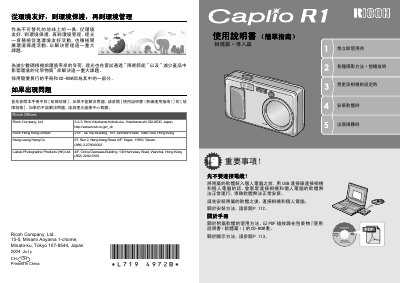
The Ricoh Caplio R1 is a compact digital camera featuring a 4x to 8x optical zoom lens with an effective focal length of 28mm to 135mm. It includes built-in flash for close-range shooting at distances as short as 1cm in wide-angle mode and 13cm in telephoto mode. This manual is written in Chinese.
| Effective Focal Length (35mm equiv.) | 28~135mm |
|---|---|
| Closest Shooting Distance (Wide) | 1cm |
| Closest Shooting Distance (Telephoto) | 13cm |
The camera can shoot at a close range of 1cm in wide-angle mode.
Refer to page 21 for instructions on turning the power on and off.