
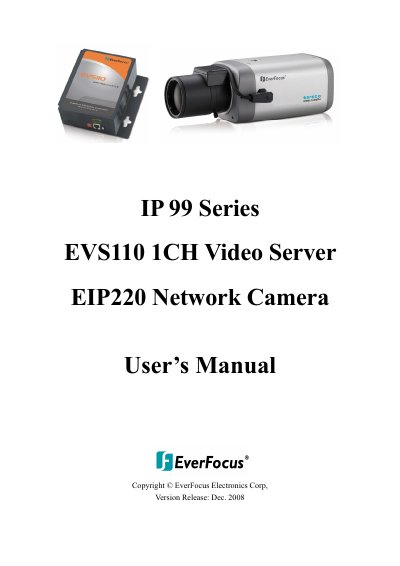
This document is the user manual for EverFocus IP99 series EVS110 1CH Video Server and EIP220 Network Camera. The product complies with the limits for a Class A digital device according to FCC rules, providing reasonable protection against harmful interference. The document provides measures to address any interference caused by the equipment.
The document provides instructions for starting the camera or video server, including installing the IP99 Searcher tool on a PC to locate devices. It details how to assign new IP addresses if multiple devices are connected and explains accessing the camera via web browser.
| Input Power Source | 12VDC |
|---|---|
| Operating Temperature | -10°C ~ 50°C / 14°F ~ 122°F |
| Operating Humidity | below 90% |
| Default IP Address | 192.168.1.99 |
| Default Port | 80 |
You need to turn off User Account Control (UAC) by changing security settings in the Control Panel.
The default IP address is 192.168.1.99.