
EverFocus NVR User Manual

This manual describes the installation, setup and operation methods of NVR.
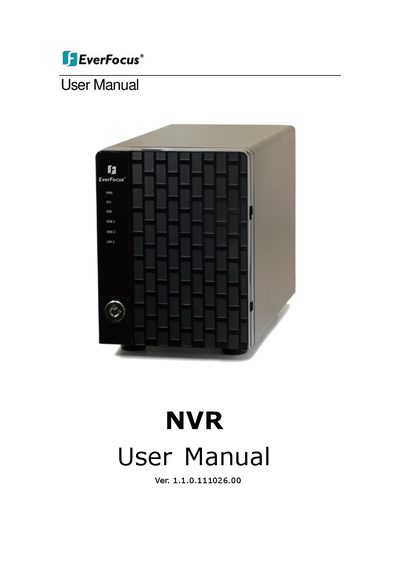

EverFocus NVR User Manual - cover page
Brand
EverFocus
Category
Other Electronics
Document type
User Manual
Language
English
Pages
157
File format
PDF
File size
6.8 MB
Published
09 July, 2012
Updated
01 October, 2023
MD5 checksum
ADC16B1057B87C798389E056FF67250D

About this manual

This manual provides detailed instructions for the installation and configuration of EverFocus Network Video Recorders (NVR). It covers hardware setup, software installation, and the configuration of various system components including cameras, RAID volumes, and network services. The guide is applicable to models such as the SCB-C31A, SCB-C24, SCB-C26, and SCB-C28.

What's inside

  • Installation Process
  • Camera Setup
  • Recording & Event Setup
  • RAID & File Settings
  • Network Setup
  • User Management
  • System Configuration
  • Live View
  • Playback
  • Troubleshooting

Frequently asked questions

What is the purpose of the Tag Filter feature?

The Tag Filter feature allows you to add, edit, and delete filters to organize video data.

How can I search for recorded video using POS data?

You can search for recorded video by selecting a specific period based on POS transaction data.

What methods are available for backing up recorded video?

Recorded video can be backed up through Internet Explorer, the Playback System, or the Backup System.

Download PDF (6.8 MB)

More EverFocus Manuals


View all EverFocus manuals →