
The user manual for PowerVideo Plus® EverFocus Central Management Software for Networked Video Devices Management provides an introduction to system requirements, installation, main screen, getting started, live view, recording, playback, remote playback, dynamic E-MAPS, recording schedule, and archiving schedule.
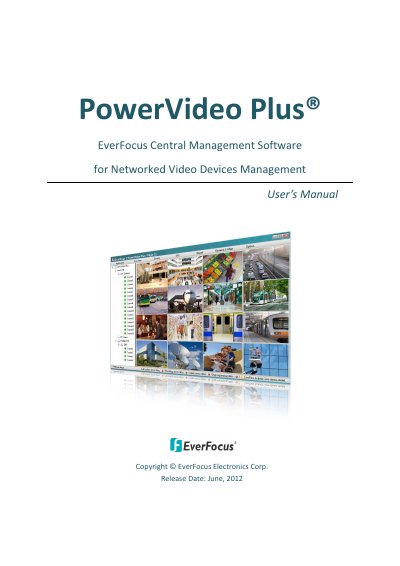
The PowerVideo Plus is a central management software (CMS) designed to remotely manage EverFocus DVRs, Mobile DVRs, or IP cameras connected on a LAN or WAN. It supports simultaneous access to various device types, offering features such as live view matrix screens, digital zooming, PTZ controls, and dynamic E-Maps for GPS tracking.
| Supported Operating Systems | Windows XP, Windows 7 |
|---|---|
| Minimum RAM | 2 GB |
| Recommended Hard Disk Space | 500 GB or more |
The default user name and password are both 'admin'.
It manages EverFocus DVRs, Mobile DVRs, or IP cameras.
It supports up to 10 pages of 8 x 8 Live View Matrix screens.