
This document describes the installation and operation of a 24V AC low-voltage thermostat, which features multi-stage heating and cooling control, zone system compatibility as a master thermostat, multi-colored LED indicators, low battery indicator, etc.
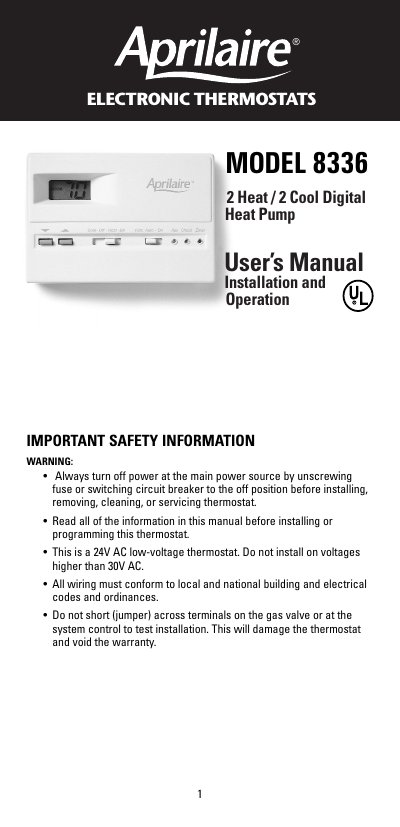
This manual provides instructions for installing and operating the Aprilaire Model 8336 Electronic Thermo: air Heat / 2 Cool Digital Heat Pump thermostat. It covers safety precautions, replacing an existing thermostat, mounting procedures, and connecting wires to terminal strips for various Lennox heat pump systems.
The document details how to set temperature differentials, switch between Fahrenheit and Celsius displays, and test the system in heating and cooling modes. It also includes a troubleshooting guide for common issues such as the system not turning on or the fan operating improperly.
| Voltage | 24V AC low-voltage |
|---|---|
| Max Voltage | 30V AC |
| Temperature Range | 45°F (4°C) to 90°F (32°C) |
| Accuracy | + 1 degree |
| Differential Adjustment | 1-3 degrees F |
Move the manual switch marked 'F' and 'C' at the top center of the circuit board, then press the RESET button.
Increase the temperature differential setting.