
Aprilaire Models 8533/8534/8538 Digital Heat/Cool Thermostat Owner's Manual

This document is an instruction manual for the Aprilaire electronic thermostat. It introduces the functions of the thermostat's various buttons and how to use them. It also provides instructions on setting up and operating the thermostat.
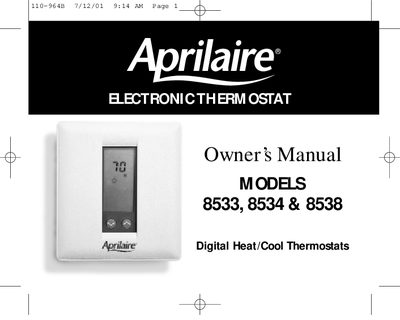

Aprilaire Models 8533/8534/8538 Digital Heat/Cool Thermostat Owner's Manual - cover page
Brand
Aprilaire
Category
Other
Document type
User Manual
Language
English
Pages
16
File format
PDF
File size
136 KB
Published
09 July, 2012
Updated
30 September, 2023
MD5 checksum
FDCF23AE1AAFEA5226EA199D5B85B2FC

About this manual

This document is the owner's manual for the Aprilaire Models 8533, 8534, and 8538 Digital Heat/Cool Thermostats. It guides users through familiarizing themselves with the device's display and buttons, such as the Mode, Day/Night, Fan, and Outdoor buttons. The manual details how to adjust heating and cooling settings for both Day and Night modes.

What's inside

  • Getting Familiar With The Aprilaire Thermostat
  • Setting Up The Aprilaire Thermostat
  • Operating The Aprilaire Thermostat
  • Changing The Current Temperature Setting
  • Optional Feature — Locking The Keypad
  • In Case Of Power Failure
  • Cleaning
  • Limited Warranty

Frequently asked questions

What is the purpose of pressing the MODE button?

Pressing the MODE button cycles through the available modes of operation until the desired mode appears on the display.

How do you switch between Fahrenheit and Celsius?

To change the temperature unit, press both the DECREASE and INCREASE buttons at the same time.

What happens if you push the Outdoor button without the optional sensor installed?

If the Model 8041 Remote Outdoor Sensor is not installed, two dashes will appear on the display when this button is pushed.

Download PDF (136 KB)

More Aprilaire Manuals


View all Aprilaire manuals →