
Ricoh Digital Camera User Manual

This manual describes the basic operation and functions of the camera.
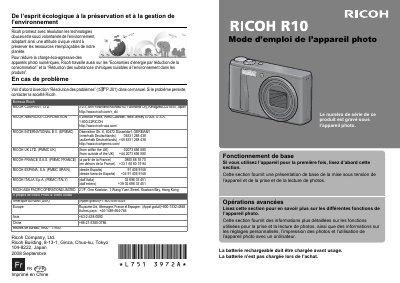

Ricoh Digital Camera User Manual - cover page
Brand
Ricoh
Category
Digital cameras
Document type
User Manual
Language
French
Pages
228
File format
PDF
File size
5.7 MB
Published
09 July, 2012
Updated
30 September, 2023
Model
R10
MD5 checksum
D6B2299E3184B9A29931E883488763F9

About this manual

This document is the French user manual for Ricoh digital cameras. It provides instructions on basic operation, including powering on the device and taking and viewing photos. The manual also covers advanced functions such as custom settings, printing photos, and using the camera with a computer. This manual is written in French.

What's inside

  • Divers symboles
  • Consignes de sécurité
  • Mesures de sécurité
  • Prises de vue d'essai
  • Droit d'auteur
  • Exemptions de responsabilité
  • La garantie
  • Interférences électriques
  • Fonctionnement de base
  • Opérations avancées

Frequently asked questions

What should I do if the camera produces smoke or unusual odors?

Turn off the camera immediately, remove the battery as soon as possible to avoid shock or burns, and unplug the power cord from the outlet.

What steps should I take if liquid crystals from a damaged screen touch my skin?

Wipe and rinse the affected area with plenty of water, then wash it with soap.

How long should I rinse my eyes if liquid crystals get inside them?

Wash your eyes with clean water for at least 15 minutes and see a doctor immediately.

Download PDF (5.7 MB)

More Ricoh Manuals


View all Ricoh manuals →