
This document is a Ricoh Co., Ltd.'s Ricoh camera user manual, which mainly introduces the camera's shooting and playback functions and usage precautions.
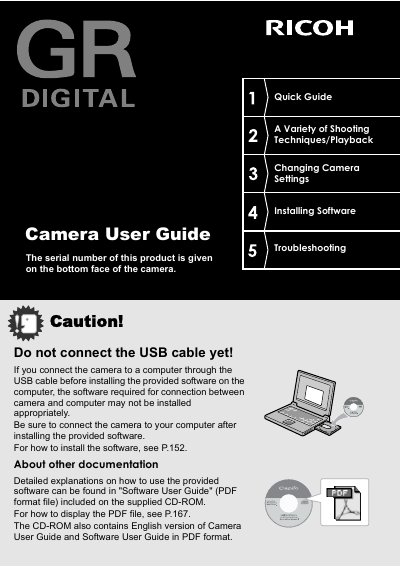
This manual explains how to use the Ricoh GR DIGITAL camera, a compact high-definition camera with an 8.13 million effective pixel CCD. It covers essential operations such as connecting the USB cable after software installation, using the up-down and ADJ. dials for settings, and utilizing the hybrid auto focusing system. The guide details various shooting modes including aperture priority, manual exposure, and program shift, as well as macro shooting capabilities down to 1.5 cm.
| Effective Pixels | 8.13 million |
|---|---|
| Shutter Release Time Lag | approx. 0.1 seconds |
| Macro Shooting Distance | 1.5 cm |
| Movie Resolution | 320 x 240 pixels |
| Movie Frame Rate | 30 frames/second |
Do not connect the USB cable yet! Be sure to connect the camera to your computer after installing the provided software.
The camera allows you to capture details from a very close distance at only 1.5 cm.