
This manual contains information on how to use this product to take and view photographs, as well as information on how to customize settings, print photographs, and use the computer to interact with this product.
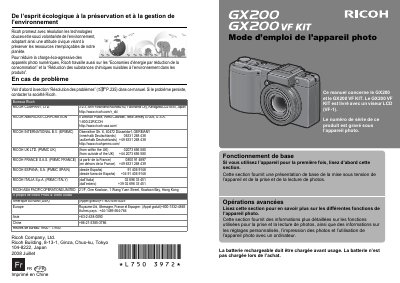
This document is the French user manual for the Ricoh GX200 and GX200 VF KIT digital cameras. It provides instructions on basic operations such as powering on the device and taking photos, as well as advanced functions like custom settings and computer connectivity.
The manual includes detailed safety precautions regarding battery handling, electrical interference, and liquid crystal display (LCD) risks. It also outlines troubleshooting steps for common issues before contacting Ricoh support. This manual is written in French.
The GX200 VF KIT comes with an LCD viewfinder (VF-1).
The serial number of this product is engraved under the camera.