
This is a camera user manual that introduces the operation method and precautions of the camera
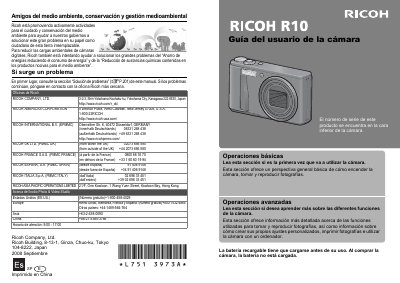
This document is the Spanish user manual for a Ricoh digital camera. It provides instructions on how to operate the device, including turning it on, taking photos, and playing them back. The guide also covers advanced features such as creating custom settings and printing images.
The manual includes detailed safety warnings regarding battery usage, liquid damage, and general handling of the equipment. It advises users to consult specific sections for troubleshooting if issues arise. This manual is written in Spanish.
Immediately turn off the camera and remove the battery as soon as possible.
Wipe the area and wash it with plenty of water, then wash again with soap and water.
Rinse your eyes with clean water for at least 15 minutes and see a doctor immediately.