
The document is a user manual for a product, including instructions on how to use it, install software, and connect it to a computer.
This manual contains information on the operation of the shooting and playback functions of the Ricoh GR DIGITAL digital camera, as well as practical advice on its use. To fully utilize the functions of this product, it is recommended to read the entire manual carefully before use. Please keep this manual handy for easy consultation when needed.
The document covers essential topics such as quick start guides, camera features including the 8.13 million pixel CCD and hybrid autofocus, power management options, and image transfer methods. It also details how to use the camera for still images, macro photography, and video recording, as well as how to manage and delete files on the SD memory card. This manual is written in French.
| CCD Resolution | 8.13 million pixels |
|---|---|
| Shutter Speed | approximately 0.1 second |
| Video Resolution | 320 x 240 pixels |
| Video Frame Rate | 30 images/seconde |
| Macro Focus Distance | approximately 1.5 cm |
| Wide Angle Lens | 21 mm |
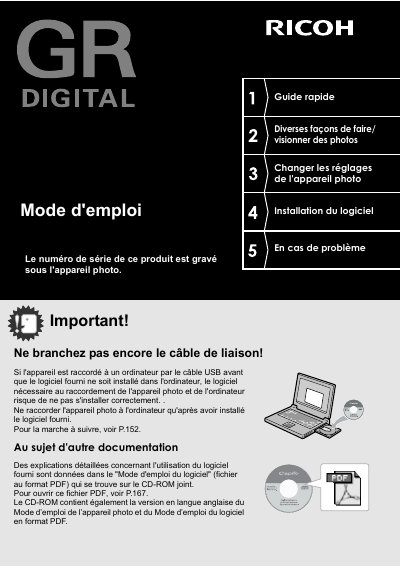
Do not connect the USB cable before installing the provided software, as the necessary connection software may not install correctly.
Yes, by connecting the camera to a compatible direct print printer using the USB cable, images can be transferred and printed directly.