
This document provides information on how to use the functions of the product and precautions, as well as guides for software installation and troubleshooting.
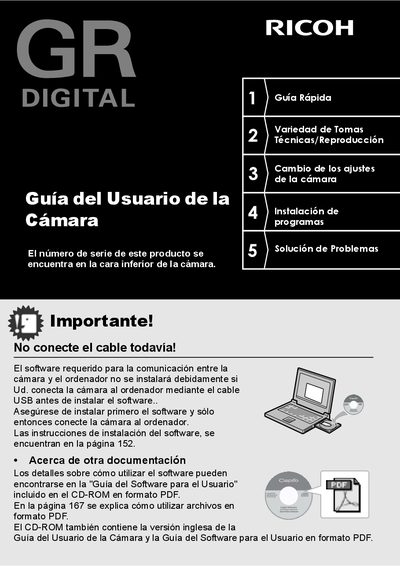
This document is the Spanish User Guide for the Ricoh GR DIGITAL camera. It provides instructions on how to use the camera's functions to take and view photographs, along with safety warnings. The guide covers essential topics such as installing the software, battery management, and basic camera operations. This manual is written in Spanish.
| CCD Resolution | 8.13 million pixels |
|---|---|
| Video Resolution | 320 x 240 pixels |
| Video Frame Rate | 30 frames per second |
| Macro Distance | 1.5 cm |
The serial number is found on the bottom of the camera.
Install the required software first before connecting the camera via USB.