
This document is a user manual for model 38-VIV403-01. It discusses the optional projection lens and provides instructions for operating the projector safely.
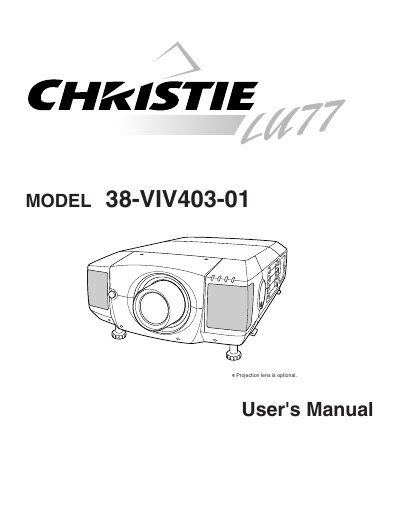
The Christie 38-VIV403-01 is a digital projector designed for computer and video applications. This User's Manual covers safety precautions, installation steps including lens mounting and positioning, and detailed instructions for connecting to various input sources such as computers and video equipment. It also explains how to use the remote control and adjust picture settings via the on-screen menu.
Read the manual again, check operations and cable connections, try solutions in the 'Trouble-shooting' section, or contact the sales dealer.
No, do not attempt to service it yourself as opening covers may expose you to dangerous voltage; refer servicing to qualified personnel.
Eye damage could result, so do not stare directly into the lens.