
This is a multimedia projector designed with advanced technology for portability, durability, and ease of use. It features built-in multimedia capabilities, a palette of 1.07 billion colors, and matrix liquid crystal display technology. The projector offers a variety of functions, including multi-scan system, multilanguage menu display, digital zoom function, power management, logo function, and security function.
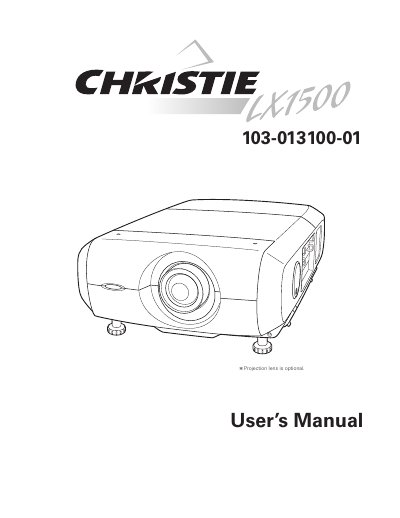
The Christie LX2600 is a multimedia projector designed with advanced technology for portability and ease of use. It features a matrix liquid crystal display (LCD) technology capable of displaying a palette of 1.07 billion colors and supports various input signals up to UXGA resolution. The device includes useful functions such as lens shifting, digital zoom, and a customizable logo function for presentations.
This User's Manual covers the setup, operation, and maintenance of the projector. It includes detailed instructions on installing the projector, connecting it to computers and video equipment, using the on-screen menu, and performing maintenance tasks such as lamp replacement and air filter cleaning. Safety instructions and troubleshooting guides are also provided to ensure proper and safe operation.
| Display Technology | matrix liquid crystal display (LCD) |
|---|---|
| Color Palette | 1.07 billion colors |
| Maximum Resolution | Up to UXGA resolution |
| Menu Languages | 12 languages |
The operation menu is available in 12 languages: English, German, French, Italian, Spanish, Portuguese, Dutch, Swedish, Russian, Chinese, Korean, and Japanese.
Yes, the projector can be controlled remotely using a wired remote control or an optional network board.