
This manual introduces the operation methods of the Baofeng handheld radio, including manual channel selection, scanning channels, setting squelch, unlocking channels, etc.
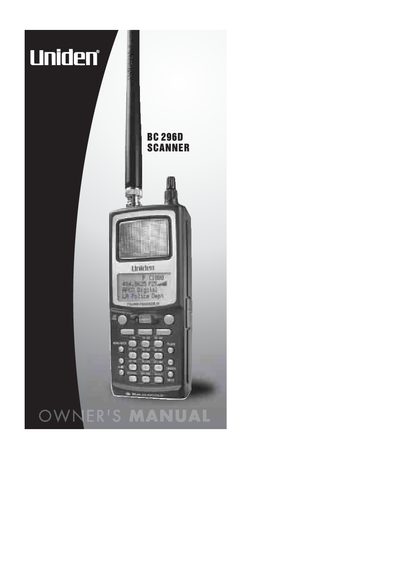
This document is the official owner's manual for the Uniden BC296D scanner. It provides comprehensive instructions on legal scanning practices, hardware installation including batteries and antennas, and basic operational procedures such as turning the unit on, setting squelch levels, and using the backlight.
The guide details advanced features specific to this model, including priority scanning, trunked system monitoring (Motorola, EDACS, LTR), and talkgroup management. It also covers programming channels for various radio systems, utilizing search functions like ID Search and Weather Alert (SAME), and connecting the scanner via a remote interface.
The scanner covers frequencies used by police, fire departments, ambulance services, government agencies, private companies, amateur radio services, and military operations.
No, the scanner is designed to prevent the reception of cellular telephone transmissions to comply with legal requirements.
Uniden warrants this product for one year from the date of original retail sale against defects in materials and craftsmanship.