
This manual contains important information on how to safely use your GPS device in your vehicle. Please read this manual carefully and follow all safety instructions.
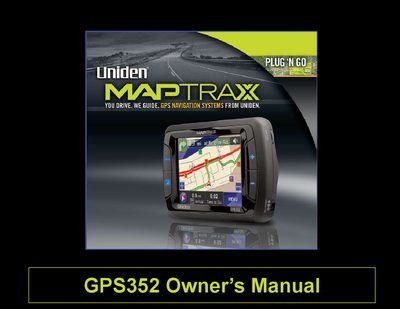
The Uniden GPS352 is a vehicle navigation device that utilizes Global Positioning Satellite signals to plot routes from the current location to a chosen destination. It features turn-by-turn guidance with human voice technology, detailed maps covering the US and Canada, and memory for custom routes and waypoints.
This guide covers installation options including windshield mounting and permanent dashboard mounting using the included surface mount disc. It details how to use the main menu, map screen, route creation tools, and various customization settings such as language, voice prompts, and display preferences.
| Coverage Area | all of the US and Canada |
|---|---|
| Memory for Custom Routes | 25 custom routes |
| Points of Interest | 2 million pre-programmed points of interest |
| Power Input | 11-15VDC jack |
Yes, you can use the included surface mount disk to permanently stick the suction cup base to your dashboard or console for a stable mounting position.
You can visit the Uniden website at www.uniden.com to download updated maps.