
Uniden TRU9585 Series Cordless Phone User Manual

This manual describes how to install, use and maintain your phone.
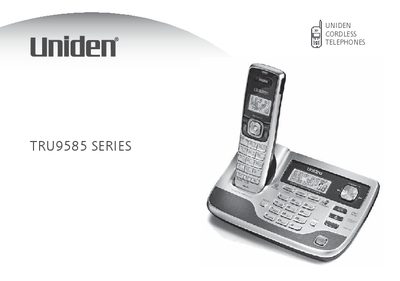

Uniden TRU9585 Series Cordless Phone User Manual - cover page
Brand
Uniden
Category
Telephone
Document type
User Manual
Language
English
Pages
68
File format
PDF
File size
4.3 MB
Published
05 July, 2012
Updated
30 September, 2023
MD5 checksum
D4171EA27AB968E583EF5AFB74173A28

About this manual

The document serves as a comprehensive guide for setting up and using the Uniden TRU9585 Series cordless phone. It covers initial installation steps such as placing the base, installing batteries, connecting AC adapters, and linking to the phone line. The guide also details how to customize handset settings like ring tones and volume.

What's inside

  • Installing the Phone
  • Getting to Know Your New Phone
  • Basic Setup
  • Using Your Phone
  • Setting Up the Answering System
  • Maintenance
  • Troubleshooting

Frequently asked questions

What battery should be used with this phone?

Use only the Uniden BT-446 rechargeable battery pack supplied with your cordless telephone.

Which AC adapter is required for the base?

To avoid risk of fire and shock, only use the Uniden PS-0009 AC adapter with the base.

What is the customer service phone number?

Call 1-800-297-1023 during regular business hours for questions or problems.

Download PDF (4.3 MB)

More Uniden Manuals


View all Uniden manuals →