
This is a phone user manual that introduces the basic functions and usage of the phone
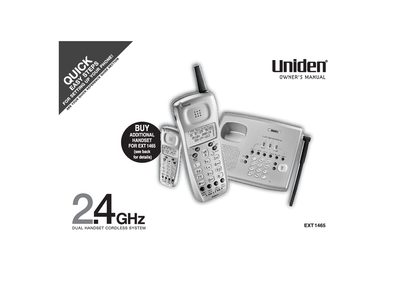
This document is the owner's manual for the Uniden EXT1465 Dual Handset Cordless System. It provides instructions on setting up the phone, including charging the battery and connecting to a phone line. The guide details how to use various calling features such as AutoTalk, Caller ID with Call Waiting, 3-way conferencing, and call transfer.
| Frequency Technology | 2.4 GHz Spread Spectrum |
|---|---|
| Handset Expandability | Two Handsets |
| Talk Time | 6 Hour |
| Standby Battery Life | 10 Day |
| Display Capacity | 3-Line, 16 Character Backlit |
| Redial Locations | 32 Digit / 3 Last Number |
| Distinctive Ring Options | 10 |
Use the AutoTalk feature, which allows you to answer a call by just removing the handset from the base.
Simply return the handset to the base to automatically hang up.
The system supports a maximum of 2 handsets.