
This document is the installation manual for Uniden DXI8560 series cordless telephones.
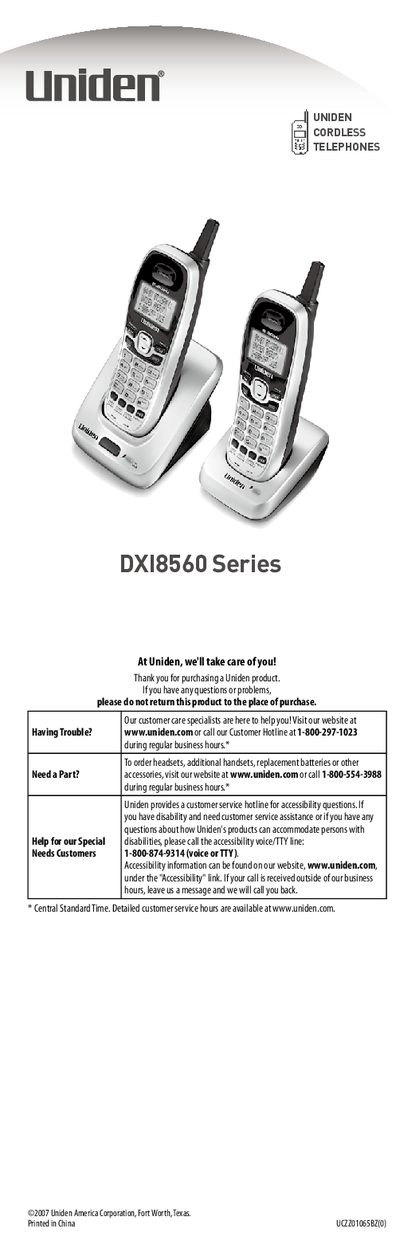
This document serves as the user guide for the Uniden DXI8560 Series cordless telephones. It covers essential setup procedures such as installing the base and handsets, connecting the telephone line, and registering accessory handsets. The guide also explains how to locate the base for optimal performance and how to attach the belt clip to the handset.
For the first time you charge a new battery, allow 15 to 20 hours.
Place the base in a centrally-located open area near an AC outlet and a telephone wall jack, avoiding interference from microwaves, refrigerators, or fluorescent lighting.
One by one, put each additional handset in the base, wait at least five seconds, then pick up the handset and press [TALK/flash] to ensure a dial tone.