
O2 Link and O2 Point are basic access points. You can modify the settings by accessing the internal firmware of the unit(s).
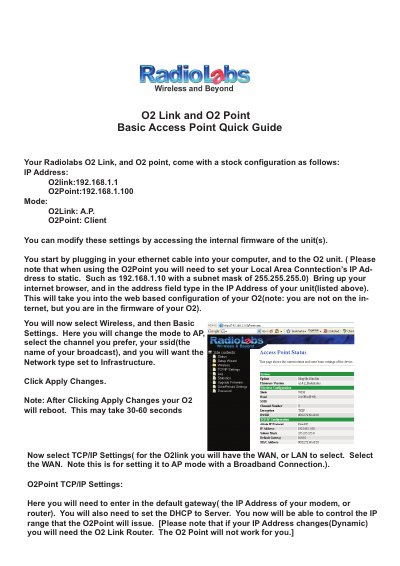
This document provides a quick start guide for setting up the RadioLabs O2Link and O2Point units in Access Point (AP) or Client modes. It details the stock configuration, including specific IP addresses for each device, and explains how to access the web-based firmware interface via an ethernet connection.
The default IP address for the O2Link is 192.168.1.1.
The default IP address for the O2Point is 192.168.1.100.
The reboot process may take 30-60 seconds.