
This document describes the features and characteristics of O2 Xda Flame mobile phone, including the use of SIM/USIM cards, media playback functions, office applications, etc.
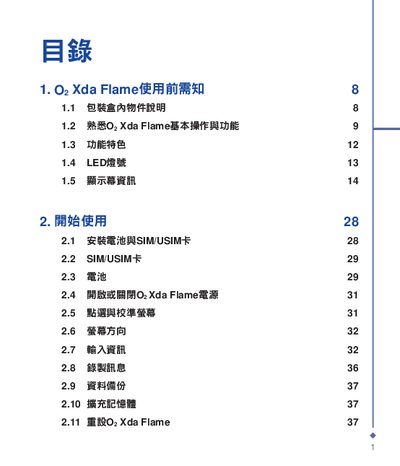
This manual covers everything you need to know before using the O2 Xda Flame, including unpacking, basic operation, and key features such as LED display and media playback. It guides you through making calls, sending messages, using the camera, and accessing applications like Outlook and Word Mobile.
Additional sections explain connectivity options (Wi‑Fi, USB OTG, ActiveSync), device management, safety information, and technical specifications. An index at the end helps you quickly locate topics. This manual is written in Chinese.
Refer to the section titled "安装电池和与SIM/USIM卡" for step‑by‑step instructions on installing the battery and inserting the SIM/USIM card.
The manual provides a reset procedure in the "2.11 重设0: Xda Flame" section.
Wi‑Fi configuration is described in the "10.3 WiFi Settings" part of the guide.
Synchronization instructions are found under "11.1 关於同步" and include steps for installing and using ActiveSync.