
IDEAL ThermalVision ND-7035-1 Software Instruction Manual

This manual describes how to install, use and generate reports using ThermalVision™ software
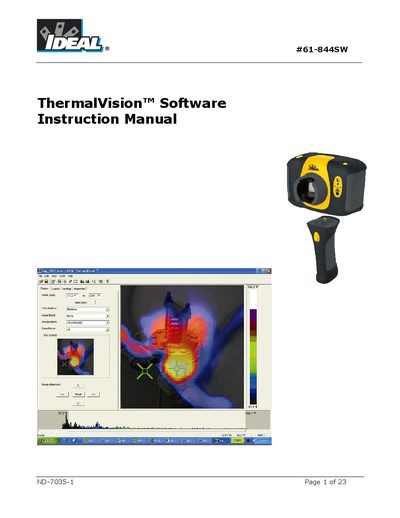

IDEAL ThermalVision ND-7035-1 Software Instruction Manual - cover page
Brand
IDEAL
Category
Other Electronics
Document type
User Manual
Language
English
Pages
23
File format
PDF
File size
2.2 MB
Published
04 July, 2012
Updated
30 September, 2023
MD5 checksum
D4EC9965E44B224C31415222291D676B

About this manual

The document serves as an instruction manual for the IDEAL ThermalVision software (model ND-7035-1). It details the installation process on a Windows PC and explains how to transfer saved thermal images from the camera's Micro SD card directly or via a card reader. The text emphasizes using Windows Explorer rather than other scanning tools to ensure files are copied correctly.

What's inside

  • Installing the ThermalVision software
  • Transferring saved images from the camera
  • Direct transfer from Camera
  • Transfer from Micro SD Card
  • Starting and Opening an image
  • Analysis Tools
  • Display Tab functions
  • Inspection Data tab

Frequently asked questions

Can I use the Microsof Scanner and Camera Wizard to download pages?

No, you should not use this tool; the manual advises using Windows Explorer only because it recognizes and copies related files correctly.

What files must be kept together to ensure the software matches the images?

You must keep at least two files for each image together: an ABMP file containing the thermal and visual image, and an IR2 file containing the temperature data.

What is the first step to install the ThermalVision software onto a PC?

The first step is to insert the CD into the PC.

Download PDF (2.2 MB)

More IDEAL Manuals


View all IDEAL manuals →