
This is a quick start guide about M-Audio Fast Track Ultra, introducing the features of Fast Track Ultra and how to use it.
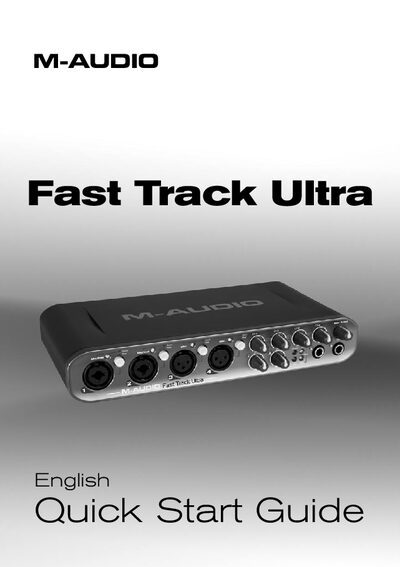
This Quick Start Guide gives a brief overview of the Fast Track Ultra audio interface, helping users get up and running quickly. It covers the contents of the package, system compatibility, and essential installation steps for both Windows and macOS.
The guide also explains how to connect and use analog and digital inputs, adjust output levels and headphone monitoring, and includes warranty information and technical support contacts.
| Audio resolution | 24-bit |
|---|---|
| Maximum sample rate | 96 kHz |
| MIDI channels | 16 (in and out) |
| USB interface | USB 2.0 (compatible with USB 1.1) |
| Power supply | 5VDC 2000mA (AC) or bus power |
| Bus power limitation | 4 inputs and 4 outputs when powered via USB |
| USB 1.1 limitation | 2‑in/2‑out, 44.1/48 kHz |
| Digital I/O | S/PDIF |
When connected to a USB 1.1 port, Fast Track Ultra operates as a 2‑in/2‑out device with sample rates limited to 44.1 kHz and 48 kHz.