
M-Audio iControl is a control interface designed for use with Apple’s GarageBand music software. With iControl, you will be able to control all the various aspects of GarageBand from an intuitive control surface, maximizing your working speed.
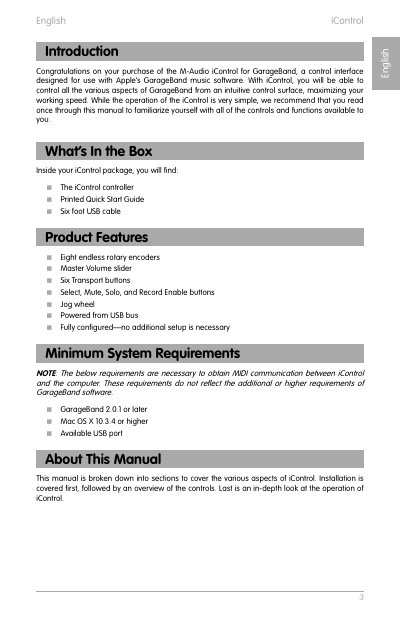
This manual provides instructions for the M-Audio iControl, a USB-powered control interface designed specifically for Apple's GarageBand music software. It covers the device's features, including eight rotary encoders, transport buttons, and a jog wheel, and explains how to connect and configure the hardware without additional drivers.
The guide details the functionality of various hardware buttons and encoders, such as the Option button for modifying commands, and specific buttons for adjusting volume, pan, EQ, and effects. It also explains how to use the jog wheel for playback control and how to manage multiple tracks using the Track/Parameter buttons.
| Power Source | Powered from USB bus |
|---|---|
| Compatible Software | GarageBand 2.0.1 or later |
| Operating System | Mac OS X 10.3.4 or higher |
| Rotary Encoders | Eight endless rotary encoders |
| Cable Length | Six foot USB cable |
No, because it is a class-compliant device, no driver installation is necessary.
Ensure the device is connected to a powered USB hub or replace the USB cable, as the device is powered from the USB bus.
The device is designed to control eight tracks simultaneously.