
Agilent ChIP Analytics 1.2 Software is an easy-to-use application for analyzing data from Agilent ChIP-on-chip microarrays. It accepts data output from Agilent Feature Extraction software or AXON GenePix® software and analyzes the significance of protein binding events without extensive processing and manipulation. The software takes advantage of the high-speed statistical analysis functions that include user-configurable heuristics for binding event identification based on p-values and adjacent probes, as well as inter- and intra- array intensity normalization and error modeling.
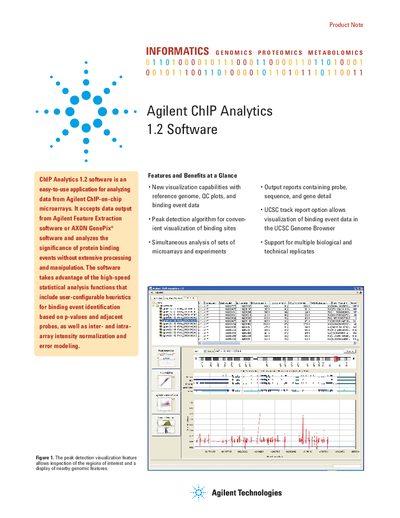
ChIP Analytics 1.2 is an application designed to analyze data from Agilent ChIP-on-chip microarrays. It accepts input from Agilent Feature Extraction or AXON GenePix software and analyzes the significance of protein binding events using high-speed statistical analysis functions, including user-configurable heuristics for binding event identification based on p-values.
| Operating System | Windows 2000, Windows XP SP2, Mac OS X |
|---|---|
| RAM | Minimum 512 MB (1 GB or more preferred) |
| Hard Disk Space | 200 MB for software, 2 GB or more for data files |
| Processor | 2.0 GHz processor or faster |
It accepts data output from Agilent Feature Extraction software or AXON GenePix® software.
The software accepts data output from Agilent Feature Extraction software or AXON GenePix® software.
The system requires a minimum of 512 MB of RAM, though 1 GB or more is preferred.
The software supports Windows® 2000, Windows® XP SP2, and Mac OS X.