
This document is Avid Recording Studio Quick Setup Guide, introduces the features and characteristics of Avid Recording Studio.
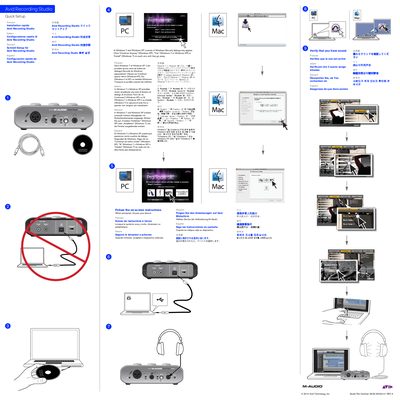
This document serves as a quick setup guide for the Avid Recording Studio. It outlines the initial steps required to install the Pro Tools SE software on Windows 7 or Windows XP systems, noting that the process may take over 30 minutes and requires restarting the computer upon completion.
The guide also covers hardware installation, specifically instructing users to select their device during the installer prompts. Additionally, it includes a diagram identifying the controls and connectors of the associated audio interface, such as microphone inputs, guitar inputs, headphone outputs, and USB ports.
The installation could take more than 30 minutes.
Click 'Continue Anyway' (Windows XP), 'Yes' (Windows 7 or Windows XP) or 'Install' (Windows 7) on each one until they go away.
See the Pro Tools SE User Guide located on your Pro Tools SE installer disc.