
VMware Fusion is a software for Mac users that allows them to run their favorite PC applications on their Intel-based Mac. It utilizes virtual machine technology to run Windows and other x86 operating systems side-by-side with Mac OS X, providing security, flexibility, and portability.
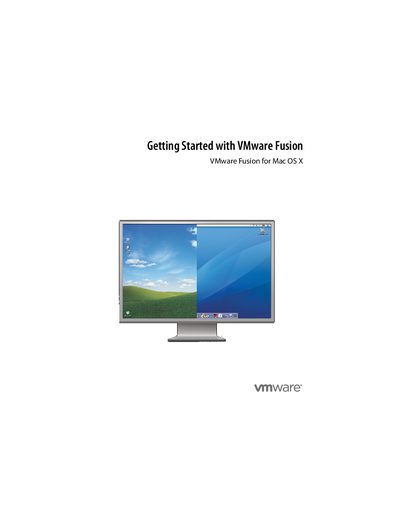
VMware Fusion allows users to run PC applications on their Intel-based Mac by creating virtual machines. These virtual machines behave like physical computers, containing virtualized hardware such as processors, memory, and network adapters stored in files on the host Mac.
The software supports running multiple operating systems side-by-side with security isolation. Key features include the Unity feature to integrate Windows applications into the Mac interface, a New Virtual Machine Assistant for setup, support for 32-bit and 64-bit guest operating systems, and hardware acceleration for 3-D graphics in specific configurations.
VMware Fusion allows you to run your favorite PC applications on an Intel-based Mac.
You need a Mac with an Intel 1.5GHz or faster processor, 512MB of RAM (1GB recommended), and at least 275MB of free disk space.
VMware Fusion supports over 60 guest operating systems, including Windows Vista Business, Enterprise, and Ultimate Editions.