
Panasonic TC-P42X1/TC-P50X1 Plasma HDTV Operating Instructions

This is an instruction manual that introduces how to use the Panasonic TC-P42X1 and Panasonic TC-P50X1.
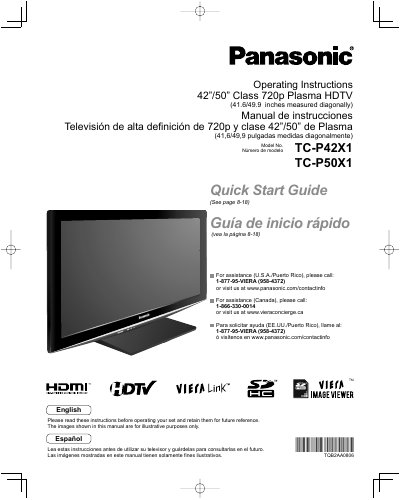

Panasonic TC-P42X1/TC-P50X1 Plasma HDTV Operating Instructions - cover page
Brand
Panasonic
Category
Television
Document type
User Manual
Language
English
Pages
58
File format
PDF
File size
3 MB
Published
10 July, 2012
Updated
29 September, 2023
MD5 checksum
09C1A1D86004B7EC1A26A9467F2CB064

About this manual

This manual provides operating instructions for the Panasonic TC-P42X1 and TC-P50X1 Class 720p Plasma HDTVs. It includes a Quick Start Guide to help users set up the television quickly and safely. The document covers basic connections, identifying controls, first-time setup procedures, and how to enjoy various multimedia features such as watching TV, viewing from an SD card, and playing DVDs.

What's inside

  • Safety Precautions
  • Quick Start Guide
  • Basic Connection
  • Identifying Controls
  • First Time Setup
  • Watching TV
  • Using VIERA TOOLS
  • Menu Functions
  • VIERA Link HDAVI Control
  • Specifications

Specifications

Screen Size Class42"/50" Class
Diagonal Measurement41.6/49.9 inches
Resolution720p

Frequently asked questions

What is the model number for this TV?

The models covered in this manual are TC-P42X1 and TC-P50X1.

Where can I find the Quick Start Guide?

The Quick Start Guide is located on pages 8 through 18 of this manual.

Download PDF (3 MB)

More Panasonic Manuals


View all Panasonic manuals →