
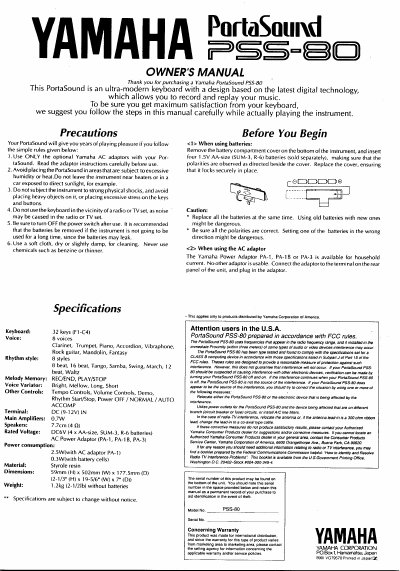
The Yamaha PSS-80 PortaSound is an ultra-modern keyboard featuring 32 keys, 8 voices, and various rhythm styles. The manual explains how to use the instrument with batteries or an AC adaptor, including safety precautions and initial setup steps.
Key features covered include the Voice Variator controls for adjusting tone brightness and length, Tempo Controls for adjusting speed, and the Auto Accompaniment section for playing chords. The guide also details how to use the Melody Memory function to record and play back a melody while playing a different harmony.
| Keyboard | 32 keys (F1-C4) |
|---|---|
| Voice | 8 voices |
| Rhythm style | 8 styles |
| Main Amplifiers | 0.7W |
| Speakers | 7.70m (4 Q) |
| Power consumption (AC) | 2.5W |
| Power consumption (Battery) | 0.3W |
| Dimensions | 59mm (H) x 502mm (W) x 177.5mm (D) |
| Weight | 1.2kg |
The instrument requires four 1.5V AA-size (SUM-3, R-6) batteries.
Only the Yamaha Power Adaptor PA-1, PA-1B, or PA-3 is usable.
The clarinet voice is automatically selected, and the 8 beat rhythm is automatically selected.
You can play up to 6 notes at a time; pressing 7 keys causes the first key pressed to stop sounding.