
RQT8953-2P M1206TK2057 P is the user manual of the Panasonic stereo headphones
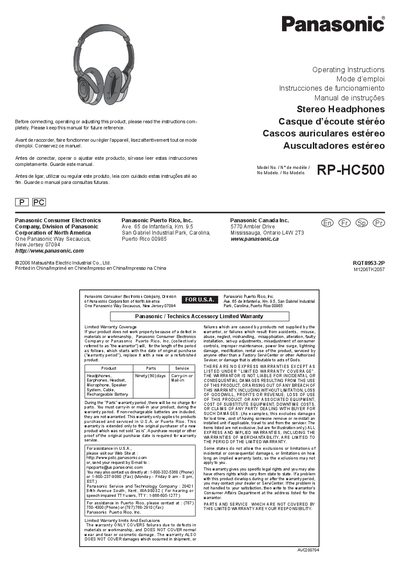
This manual provides operating instructions for the Panasonic RP-HC500 stereo headphones. It details how to install batteries, connect the detachable cord to audio units or in-flight systems using included adaptors, and adjust the headband sliders for a proper fit.
A key feature described is the noise canceling function, which reduces environmental noises such as those from airplanes, trains, buses, and air-conditioners by 1/2. The manual also explains how to turn on this function via the power switch and notes that low-frequency sounds are primarily reduced while higher frequencies remain intact.
The noise canceling function becomes less effective as the battery wears down.
The unit includes one RO3, AAA battery.
Change the battery when the [OPR] indicator fades or fails to light.