
This document is the user's guide for SP-400 series portable 4/16 channel VHF-FM portable transceiver and 4/16 channel UHF-FM portable transceiver. The document provides information on the proper operation of the radio and compliance requirements for RF exposure.
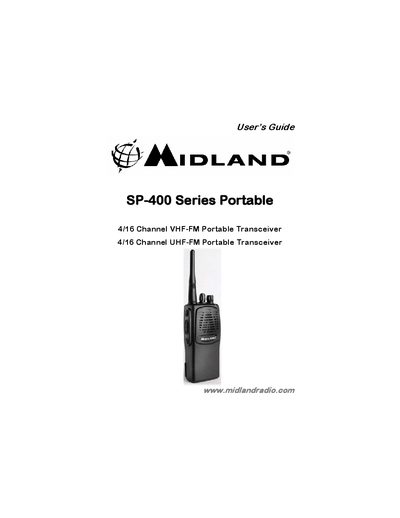
The Midland SP-400 Series is a professional-grade programmable portable radio available in four models (SP-410, SP-420, SP-430, and SP-440) covering 4 or 16 channels on VHF and UHF bands. Key features include CTCSS/DCS encoding for repeater access, VOX hands-free operation, voice inversion scrambling, and flexible channel scanning with priority options.
The manual provides detailed instructions on basic operations such as turning the radio on/off, adjusting volume, selecting channels, and transmitting. It also covers advanced functions like 2-tone selective calling, emergency calls, and battery saving modes. Important safety warnings regarding RF exposure limits (50% duty cycle) and occupational use restrictions are included.
| VHF Frequency Range | 148-174 MHz |
|---|---|
| UHF Frequency Range | 440-470 MHz |
| Channel Capacity (VHF) | 16 channels |
| CTCSS Tones | 47 tones |
| DCS Codes | 104 codes |
Do not transmit for more than 50% of total use time to comply with FCC RF exposure requirements.
No, it is restricted to occupational use where the operator has knowledge to control exposure conditions.
Connect an optional headset/microphone to the accessory connector to allow voice-operated transmit.