
Yamaha YST-MS55D Powered Multimedia Speakers Owner's Manual

The YST-MS55D is a powered multimedia speaker with volume and bass control.
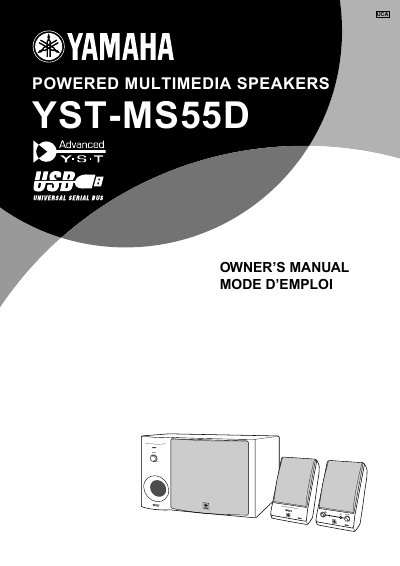

Yamaha YST-MS55D Powered Multimedia Speakers Owner's Manual - cover page
Brand
Yamaha
Document type
User Manual
Language
English
Pages
15
File format
PDF
File size
288 KB
Published
02 July, 2012
Updated
29 September, 2023
MD5 checksum
7163447024067B5E742A4ACB46A2D0A7

About this manual

The Yamaha YST-MS55D is a powered multimedia speaker system designed for use with computers. This owner's manual covers essential safety information, including warnings about electric shock and proper ventilation requirements to prevent overheating.

The guide details the installation process, including connecting AC power and audio cables, as well as installing USB drivers for Windows 98/Me, Windows 2000 Professional, and Macintosh computers. It also explains how to adjust volume, bass, and treble controls and provides troubleshooting tips.

What's inside

  • Safety Instructions
  • Controls & Connectors
  • Installing USB driver
  • Connecting to a non-USB system
  • Enjoying your YST-MS55D Speaker System
  • Adjusting the Volume, Bass, and Treble
  • Troubleshooting

Frequently asked questions

How much space is required around the unit for proper ventilation?

You must allow a space of at least 20 cm (7-7/8") above, behind, and on both sides of the unit.

What is the minimum volume setting required before starting playback?

You must always turn the volume control counterclockwise to the minimum before playing audio.

Where is the serial number located on this speaker system?

The serial number is located on the rear of the unit.

Download PDF (288 KB)

More Yamaha Manuals


View all Yamaha manuals →