
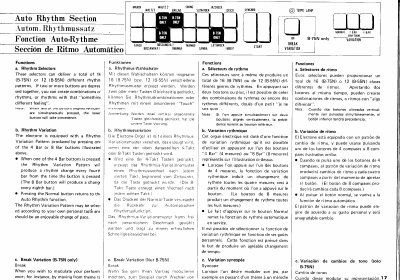
The Yamaha B-75N Electone features Rhythm Selectors that can deliver a total of 16 different rhythm patterns. Users can create combinations of rhythms by pressing two or more buttons simultaneously. Additionally, the instrument includes a Rhythm Variation Pattern produced by pressing the 4 Bar or 8 Bar buttons to change the rhythm every fourth or eighth bar respectively.
| Rhythm patterns (B-75N) | 16 |
|---|---|
| Rhythm patterns (B-55N) | 12 |
| Rhythm Variation interval (4 Bar) | every fourth bar |
| Rhythm Variation interval (8 Bar) | every eighth bar |
Press two or more buttons together to create combinations of rhythms or rhythms with a different feeling.
The lower button will take precedence over the upper one.
Start the rhythm, stop it with the Foot switch, press the Break Variation button, and restart the Foot switch to play one bar of the pattern.