
This is an owner's manual for the GXT710/735/750 series GMRS/FRS radios. The manual provides instructions on how to use the product, as well as information about its features and specifications.
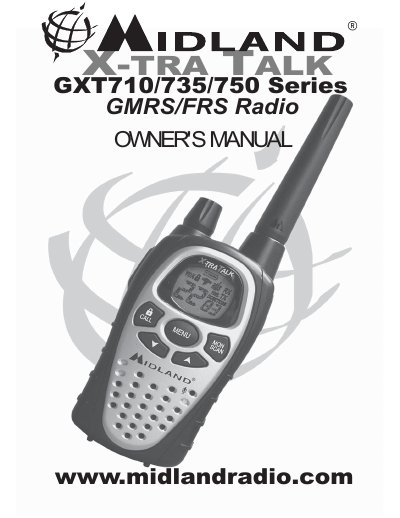
This document is the Owner's Manual for the Midland GXT710/735/750 Series GMRS/FRS Radio. It provides instructions on setting up the device, including battery installation and belt clip attachment, as well as operating features such as VOX, scan, monitor, and call alert functions. The manual also details privacy code settings and external speaker/microphone connections.
| Channels | 22 GMRS/FRS Channel |
|---|---|
| Privacy Codes | 121 Privacy Codes (38 CTCSS / 83 DCS) |
| Power Settings | Power HI/MED/LO Settings |
| Battery Type | 4 AA alkaline batteries or an optional NiMH battery pack |
You must be licensed prior to operating on channels 1 - 7 or 15 - 22.
Quickly press the SCAN button to enter SCAN mode.
Press the CALL/LOCK button to send a CALL Alert signal.