
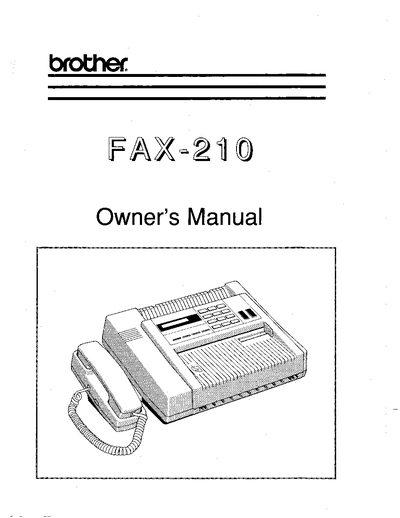
This document serves as the Owner's Manual for the Brother FAX-210 digital facsimile unit. It covers essential safety instructions, FCC compliance notices, and definitions of technical terms used throughout the guide. The manual is designed to help users understand the device's features, such as the Automatic Document Feeder (ADF) and various transmission modes like Fine Resolution and Gray Scale.
The guide details the complete setup process, including electrical connections, single-line and multi-line telephone configurations, and inserting the recording paper roll. It also provides step-by-step instructions for basic operations such as copying, transmitting, and receiving documents, as well as programming the unit with date, time, and user-specific settings.
| ADF Capacity | 5 originals |
|---|---|
| Fine Resolution | 203 x 196 lines per inch |
| Standard Resolution | 203x98 lines per inch |
The Automatic Document Feeder allows for the insertion of up to 5 originals for faxing or copying.
In most areas, the sum of the RENs of all devices connected to one line should not exceed five (5.0).