
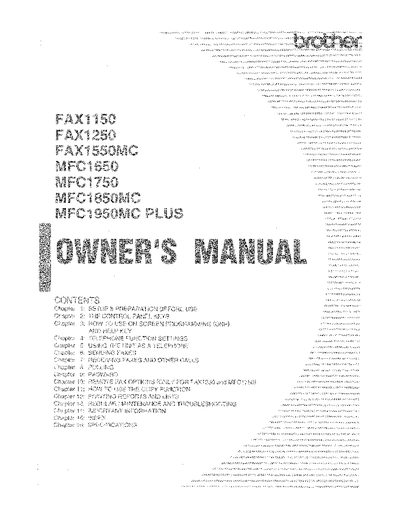
Brother FAX1150 Owner's Manual


Brother FAX1150 Owner's Manual - cover page
Brand
Brother
Category
Fax machine
Document type
User Manual
Language
English
Pages
132
File format
PDF
File size
19.8 MB
Published
02 July, 2012
Updated
02 July, 2012
MD5 checksum
6CB77760E1A4404F7251F2BBE5469BA1

About this manual

This Owner's Manual provides instructions for the Brother FAX1150 fax machine, covering setup, basic operations, and advanced features. It explains how to send and receive faxes, use the telephone functions, and configure settings like distinctive ringing and polling. The guide also includes instructions for copying, printing reports, and troubleshooting common issues.

What's inside

  • Setup & Preparation
  • Sending Faxes
  • Receiving Faxes
  • Using the Unit as a Telephone
  • Document Basics
  • Advanced Fax Transmissions
  • Distinctive Ringing
  • Caller ID
  • Polling
  • Troubleshooting

Frequently asked questions

What is the procedure for verifying that a Brother fax machine is properly installed?

You must fill out the TEST SHEET and fax it to specific numbers in the USA or Canada as your first transmission.

Which phone number should be used for voice calls in the USA?

You can use 1-800-284-4FAX for voice phone only.

What are the fax and telephone numbers for support in Canada?

The Canadian fax number is 1-514-685-0702 and the telephone number is 1-800-853-6660.

Download PDF (19.8 MB)

More Brother Manuals


View all Brother manuals →