
Brother SC-2000 User's Guide

This chapter walks you through the basics you need to know in order to start using Stamp Editor.
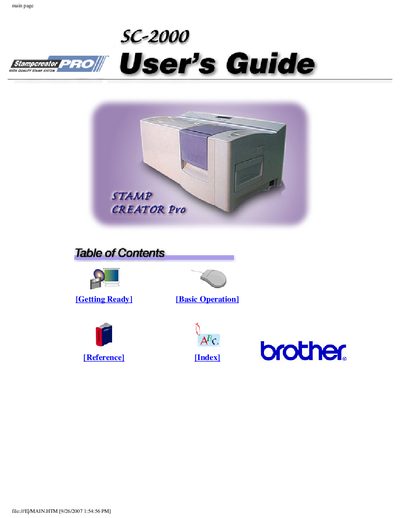

Brother SC-2000 User's Guide - cover page
Brand
Brother
Category
Office Equipment
Document type
User Manual
Language
English
Pages
250
File format
PDF
File size
4.9 MB
Published
02 July, 2012
Updated
30 September, 2023
MD5 checksum
44EB78A65CB32099349A97CF0296EE78

About this manual

The document serves as a user's guide for the Brother 5C-2000. It covers essential topics including getting ready to use the software, basic operations for creating layouts and databases, and detailed reference information regarding the interface environment.

Key operational areas include installing Stamp Editor, performing basic tasks like creating text and graphics objects, managing databases, and utilizing features such as the Auto Format Wizard. The guide also details how to save documents and print layouts containing merged data.

What's inside

  • Getting Ready
  • Basic Operations
  • Reference
  • Installing Stamp Editor
  • Creating a new layout document
  • Working with text objects
  • Working with graphics objects
  • Databases
  • Stamp Editor environment
  • Menu bar commands

Frequently asked questions

What is the printing timeout setting for Brother SC-2000?

The default printing timeout is set to 120 seconds.

Download PDF (4.9 MB)

More Brother Manuals


View all Brother manuals →