
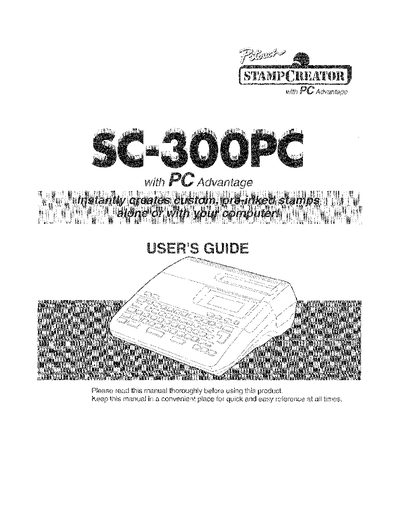
Brother SC-300PC Personal Computer Carving System User's Guide


Brother SC-300PC Personal Computer Carving System User's Guide - cover page
Brand
Brother
Category
Office Equipment
Document type
User Manual
Language
English
Pages
140
File format
PDF
File size
6.9 MB
Published
02 July, 2012
Updated
02 July, 2012
MD5 checksum
3A6EC2A80503F2F14F3A4DF4D404D6BB

About this manual

The Brother SC-300PC is a personal computer-based carving system designed to create stamps. The device features a keyboard with function keys such as AUTO FORMATS, SIZE, STYLE, FONT, and ALIGNMENT for manual formatting, along with an LCD display for previewing layouts.

Users can connect the unit to their computer via a serial cable (FE Key) to utilize software like P-touch Editor or WPCREATOR. The system supports various stamp sizes (e.g., Size 40, Size 35) and allows users to make address stamps, business cards, and ornamental frames using pre-set templates or custom drawings.

What's inside

  • About the SC-300PC
  • Checking the Carton Contents
  • Turning Power On and Off
  • Connecting to Your Computer
  • Making Address Stamps
  • Manual Formatting Keys
  • Drawing Lines in Image Preview Mode
  • Troubleshooting

Frequently asked questions

What should I do before using the product?

Read this manual thoroughly and keep it in a convenient place for quick reference.

Which adapter should I use with this machine?

You must only use the enclosed adapter designed exclusively for this machine.

Download PDF (6.9 MB)

More Brother Manuals


View all Brother manuals →