
This document describes how to attach the optional rack-mount kit to the RK-MG124.
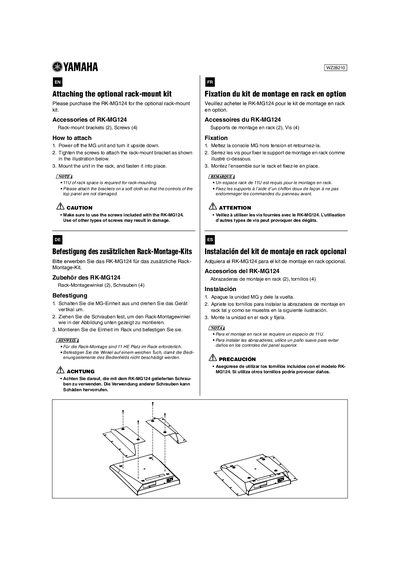
This guide provides step-by-step instructions for attaching the optional RK-MG124 rack-mount kit to a compatible MG unit. The process involves powering off the device, flipping it upside down, and securing two rack-mount brackets using four included screws.
Important safety precautions are highlighted throughout the installation steps. Users must ensure they use only the specific screws provided with the RK-MG124 kit to avoid damage. Additionally, a soft cloth should be used when handling the brackets to prevent scratching the control panel on top of the unit.
The unit requires 11U of rack space for mounting.
The kit includes two rack-mount brackets and four screws.
You should attach the brackets on a soft cloth to prevent damage.