
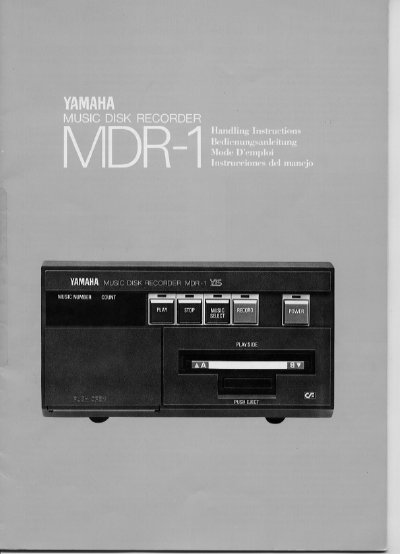
The Yamaha MDR-1 is a music disk recorder designed for recording and playing back music programs stored on floppy disks. The device features a multi-language interface with buttons for selecting programs, controlling playback speed, and managing data on the disk.
Key operations include recording new programs, playing back selected tracks, and erasing data. The unit supports functions such as transposing keys, adjusting tempo, and fast forwarding or rewinding during playback. It also includes error display and malfunction troubleshooting sections to assist users.
| Program Number Range | 1 to 9 |
|---|---|
| Media Type | Floppy Disk |
Press the ERASE button before erasing recorded data. Pressing it during playback engages the rewind mode.
Use the MUSIC SELECT button to select the program number before recording or playback.