
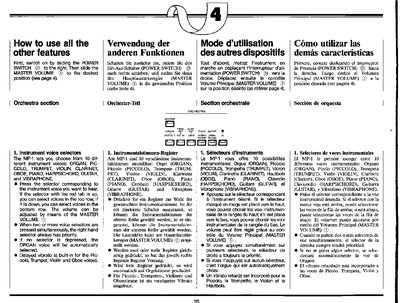
This manual explains how to use the features of the Yamaha MP-1 electronic keyboard. It covers switching the device on and adjusting the master volume. The guide details how to select from ten different instrument voices, such as Organ, Piano, and Guitar, and explains the priority rules when multiple voice selectors are pressed simultaneously.
The document also provides instructions for the rhythm section. Users can choose from various rhythms like March, Waltz, and Rock. It explains how to start the rhythm by pressing the SYNCHRO START button and playing a key in the Auto Bass Chord section, and how to adjust the tempo and volume relative to the melody.
Delayed vibrato is built in for the Piccolo, Trumpet, Violin, and Oboe voices.
The ORGAN voice will be automatically selected when no selector is depressed.
The March rhythm is automatically selected if no button is depressed.