
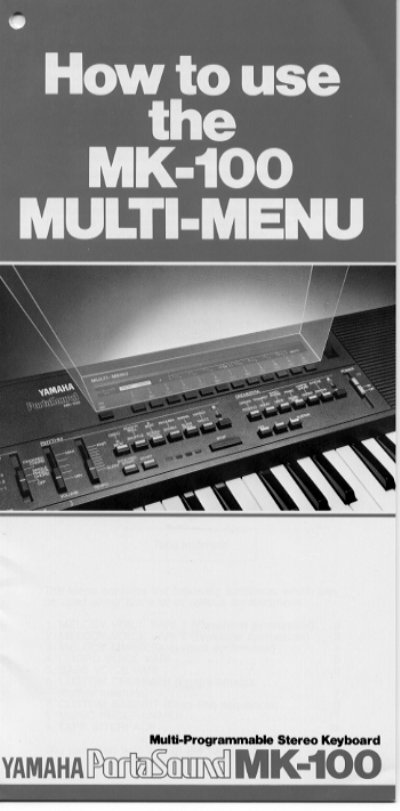
This manual provides detailed instructions on using the nine functions of the MULTI-MENU system found in the PortaSound MK-100. These features allow users to create custom instrument voices, rhythms, and bass lines, which can be stored in the keyboard's 3.2 kilobyte RAM or digitally on tape.
The manual covers specific operations for various synthesizer modes, including Waveform synthesis (MELODY VOICE VARI 1), Envelope synthesis (MELODY VOICE VARI 2), Dual-voice mixing (MELODY MIXER), and programmable rhythm creation with the CUSTOM DRUMMER.
| RAM Capacity | 3.2 kilobyte |
|---|
Push selector 1 (PRESET) to get the preset voice again.
Yes, you can store them in the keyboard's RAM or on tape using a separate recorder.