
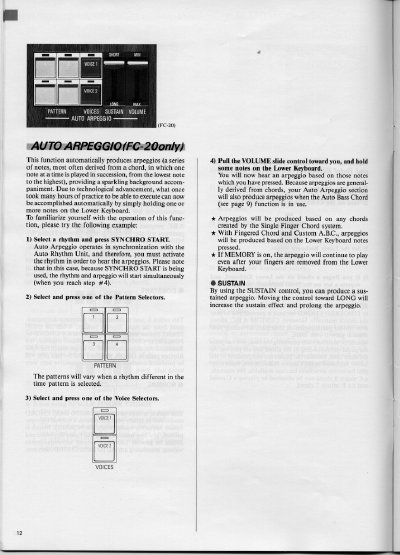
The Yamaha FC-20 features an Auto Arpeggio function that automatically produces a series of notes derived from chords held on the Lower Keyboard. This feature allows users to create sparkling background accompaniment without extensive practice by simply holding one or more notes while a rhythm is active.
To operate this function, select a rhythm and press SYNCHRO START to synchronize with the Auto Rhythm Unit. Next, choose a Pattern Selector and a Voice Selector. Finally, pull the VOLUME slide control toward you and hold notes on the Lower Keyboard to hear the arpeggio based on those chords.
The function automatically produces a series of notes derived from chords held on the Lower Keyboard, playing them from lowest to highest.
You must activate a rhythm using the SYNCHRO START button because the Auto Arpeggio operates in synchronization with the Auto Rhythm Unit.
Yes, if the MEMORY function is turned on, the arpeggio will continue to play even after your fingers are removed from the Lower Keyboard.